
LeafThru
A PDF reader for iPad that reads like a paper book
A PDF reader for iPad that reads like a paper book
LeafThru shows a PDF the way a printed book shows its pages: two pages side by side, with a leaf that actually turns. It was built for long documents — textbooks, manuals, sheet music and scanned books that run to hundreds or thousands of pages — where scrolling stops being useful.
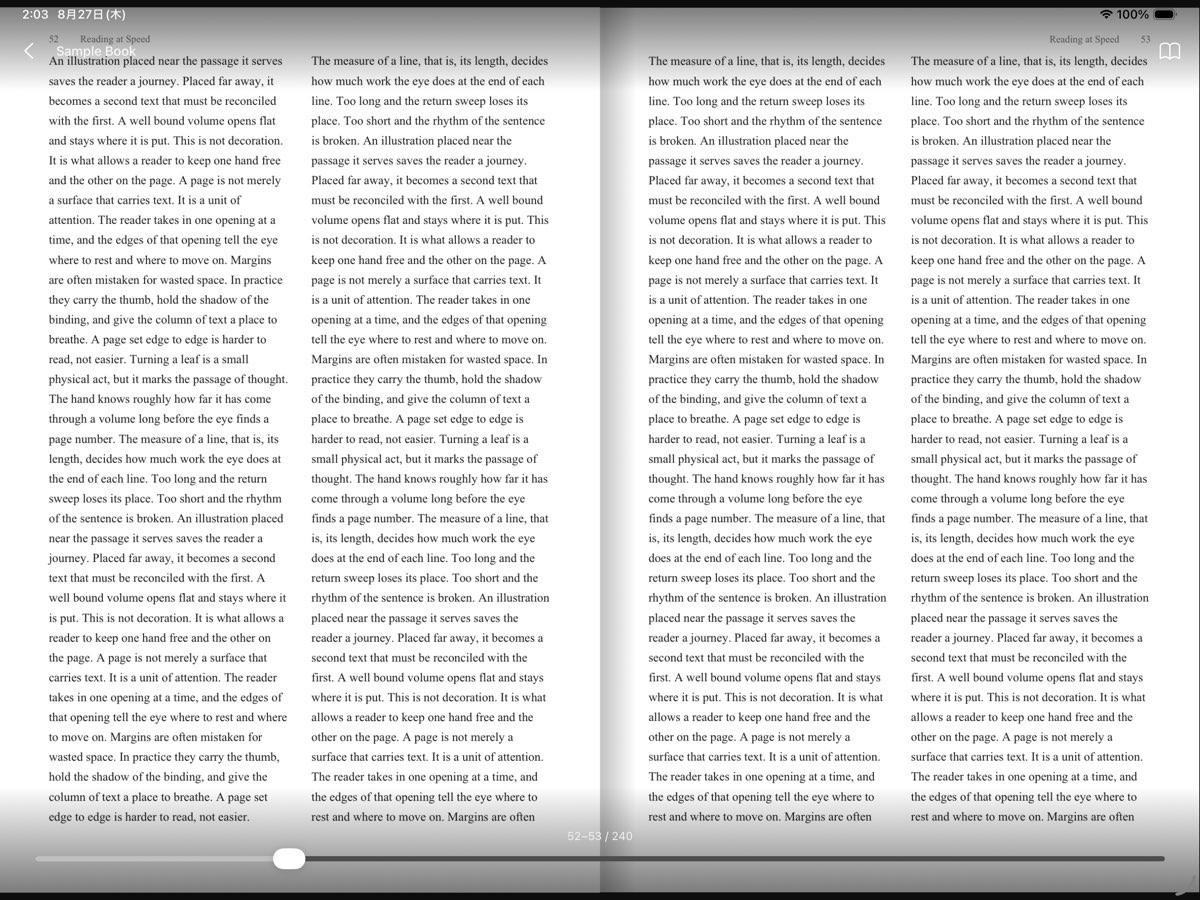
Hold the iPad in landscape and you get a proper opening with the gutter between the pages. Turn it upright and you get a single page. You can also fix the layout to two pages or one, and show the cover on its own so that the spreads line up with the printed book.
Swipe with one finger and the page lifts, rotates on the spine and lands on the other side. One swipe turns exactly one page, however hard you flick it. To travel far, drag the bar at the bottom and the pages riffle past.
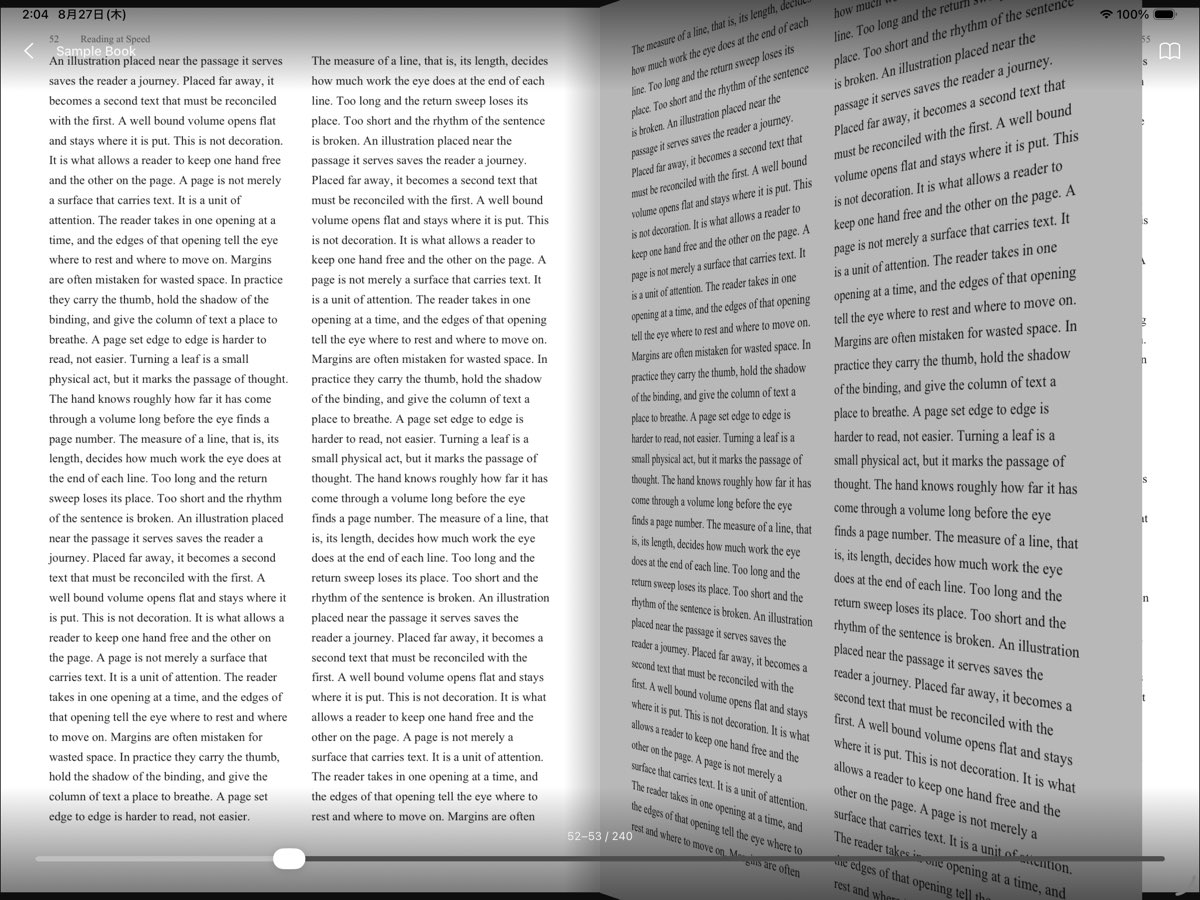
The first time you open a book, every page is prepared in the background, so page turning stays smooth even in a volume of several thousand pages or a large scanned book. Everything happens on your iPad.
Pinch with two fingers to crop away wide margins. The zoom level is kept when you turn the page, so you stay on the text.
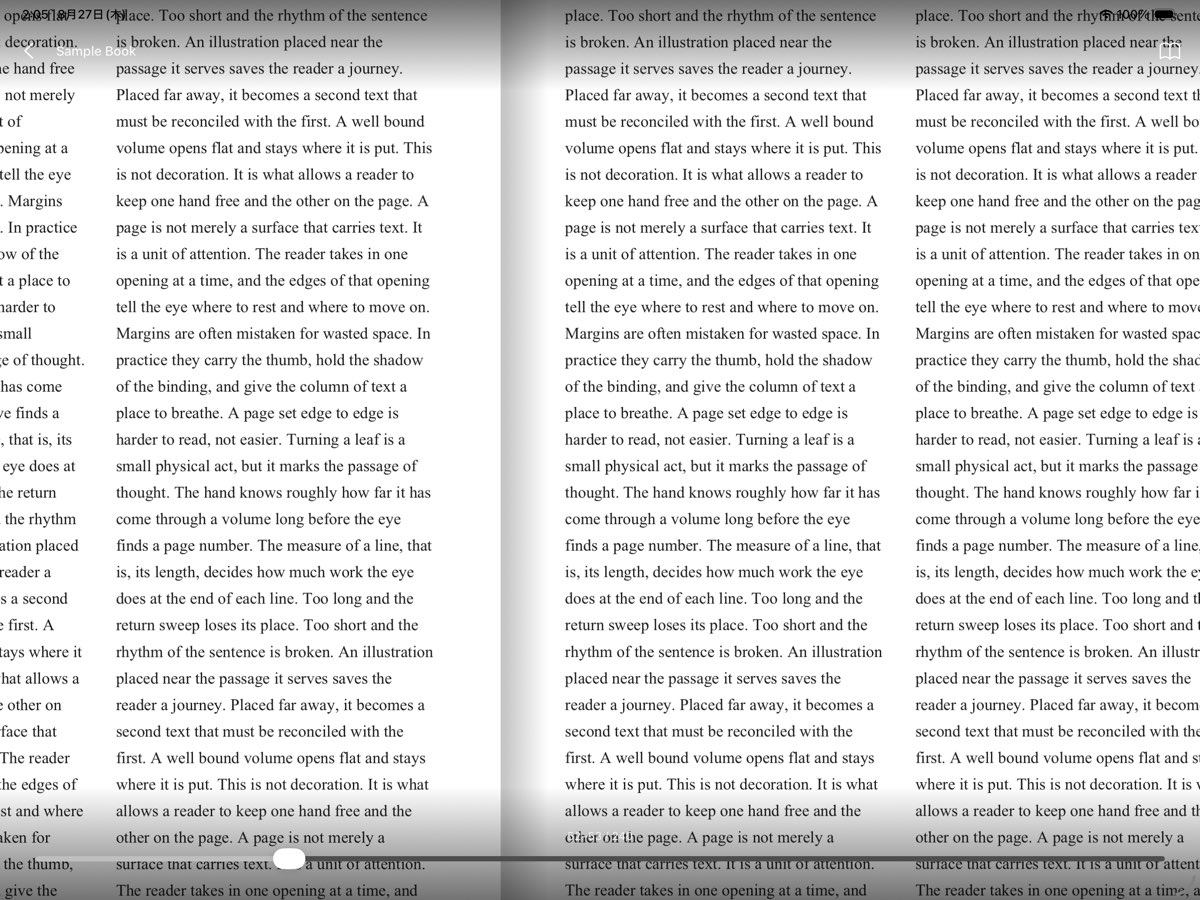
Japanese, Chinese and Arabic books open from the right. Choose the direction per book, and the bar at the bottom follows it.
Tap the question mark in the top right of the app for the full list of gestures.
Tap Open PDF to pick a file, or put PDFs into the LeafThru folder in the Files app under “On My iPad”. They will appear in the library.
Tap the book icon while reading and choose Right to left. The setting is remembered per book.
Questions, problems, or requests: Show email address